
You move in. You don't set up.
One choice on the first screen, and no sign-up on either side of it.

A pixel apartment that keeps your life logs — because you already live somewhere.
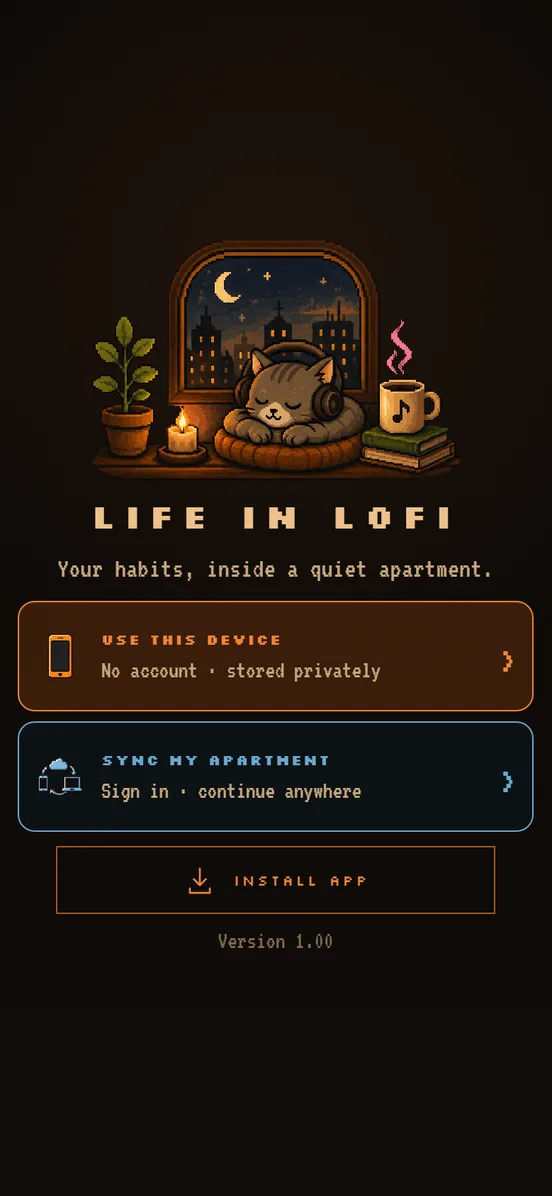
One choice on the first screen, and no sign-up on either side of it.
Water in the kitchen. Sleep by the bed. The cigarette out by the door.
Three walls, fourteen zones, about a second per log.
The real rooms, the real interactions, rebuilt. Go on.
Goal, money burnt and the last time — all from a single button.
↑ press it — watch the count and the money move
Tumbler, mug, glass or bottle — the app’s four, against a 2.5 L day.
↑ tap a vessel — the reading climbs, the bar fills
A story card — or a transparent sticker that floats over the photo you took out there.
↑ switch the format —
Life in Lofi is a self-tracking app shaped like a small pixel apartment. Instead of a list of habits, every tracker lives in the room where the habit actually happens: water in the kitchen, sleep by the bed, the cigarette out by the door. You swipe to the room, tap the object it happened at, and the log is written in about a second.
No. The first screen offers to continue on your device with no sign-up at all, and that is the default. Your logs are stored locally. Syncing an apartment across devices is optional and entirely opt-in.
Yes. It is offline-first everywhere: the native iOS and Android apps and the desktop web app all keep working with no connection once installed.
Yes. It is free to use, carries no ads, and includes no third-party trackers.
Thirteen zones spread over three walls, including water, sleep, walks and steps, meals with calories and protein, focus sessions, reading, coffee, beer, weight, plant care and cigarettes. Each one keeps its own history and a fourteen-day recap.
Yes, and that is the recommended way to use it on a phone or tablet — native builds for the App Store and Google Play are in progress. They unlock features the browser can’t, like Health Connect activity import and NFC quick-log tags on Android. On desktop, the web app at app.lifeinlofi.io is the way in, and installs like any other app. It also works in a phone’s browser today as a fallback, just without those native-only features.
It is spatial rather than list-shaped, and deliberately calm. There are no streak punishments, no points and no badges: a quiet day still counts as data. The apartment itself is the navigation, so logging feels like living somewhere rather than filling in a form.
On your device, in local browser storage, by default. Nothing is uploaded unless you explicitly turn on sync.
On a phone or tablet, the native app is the one to get — it's what unlocks Health Connect activity import and NFC tags. On desktop, the web app installs like any other app.